
Step 1
Describe the place
House, apartment, business or warehouse, its size and how many rooms.
Choose the type of place, its built area, floors and rooms. Add a title and the address so the team knows where to go.
Home / How it works
How it worksPlan on this website or in the app, then send the plan. The team answers to confirm the visit and the final price.
House, apartment, business or warehouse, its size and how many rooms.
Choose the type of place, its built area, floors and rooms. Add a title and the address so the team knows where to go.
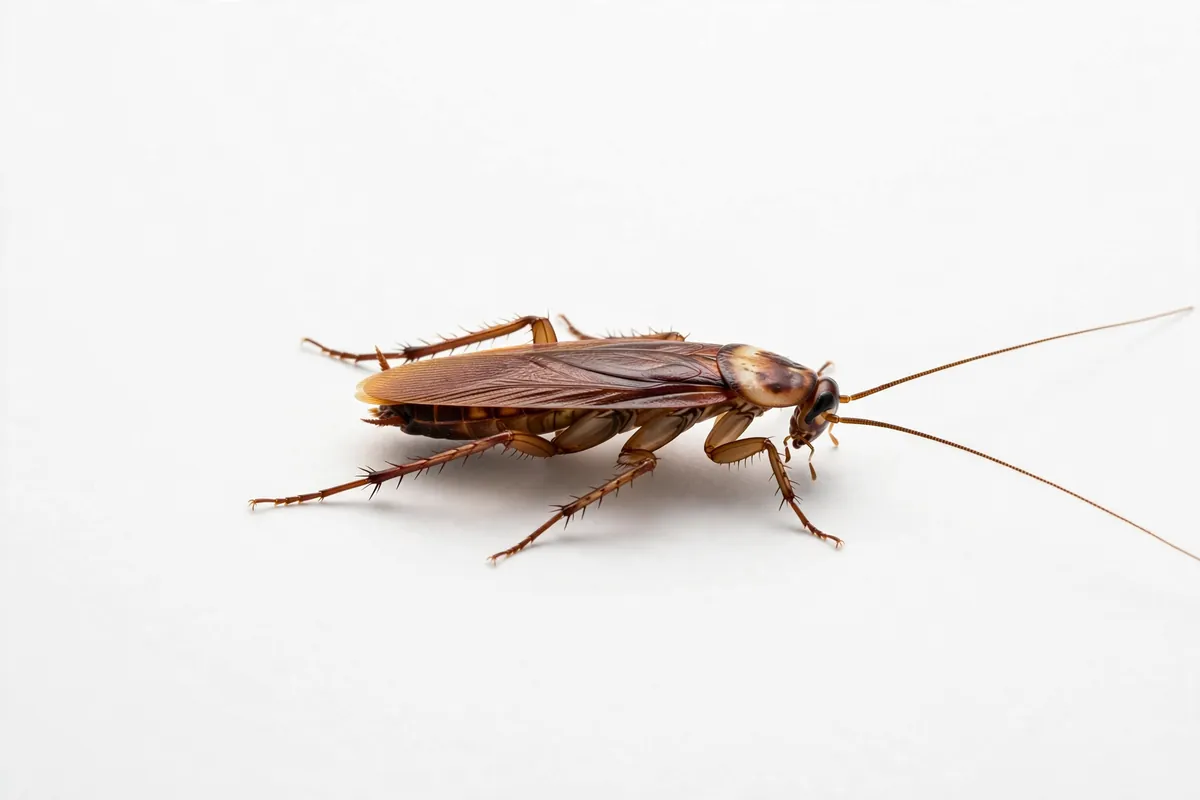
Choose the pests, how serious it looks and where you have seen them.
Mark every pest you have seen, how serious it looks and where. Say whether pets, children or people with breathing conditions are at the place.
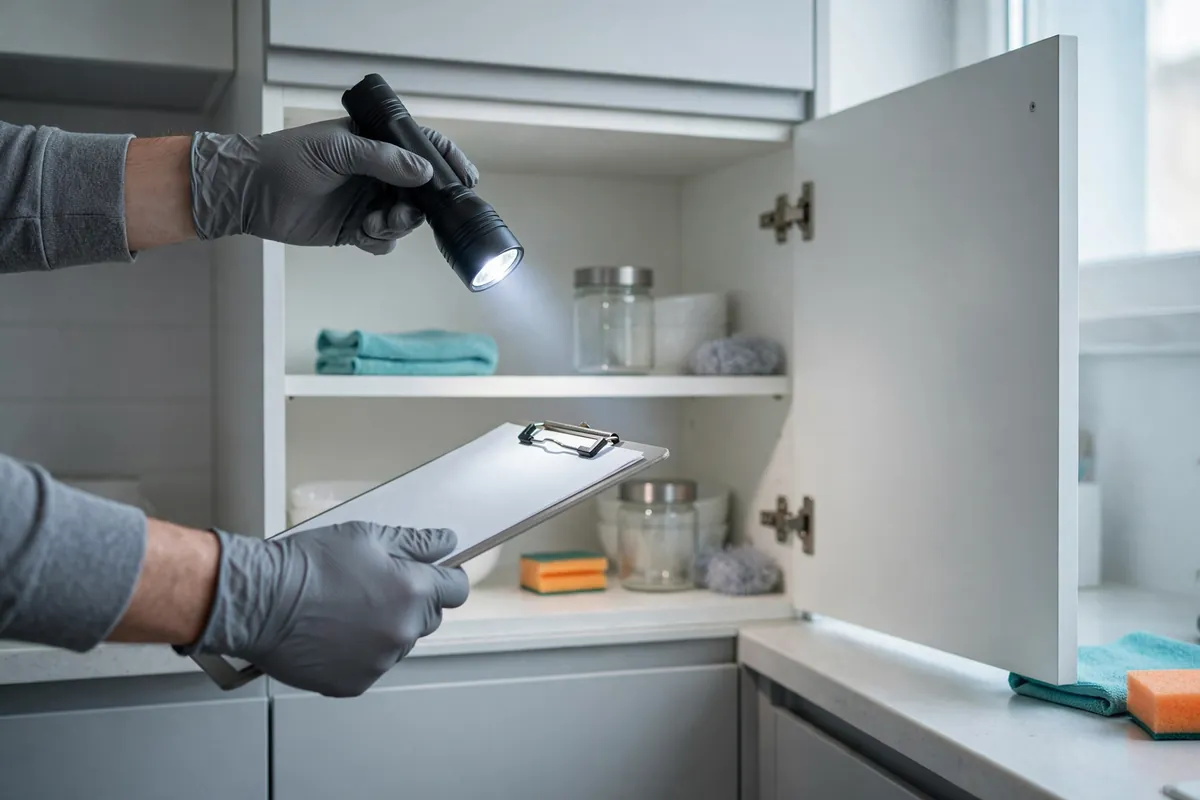
The app suggests services that cover each pest and shows an estimate once or as a plan.
Add services. Those that cover your pests come first. Choose how often; the estimate shows per visit and for a year.
Send the plan by email or call. The team confirms the day and the final price.
Pick a preferred day and time, add notes and your reply details, then open your email app with the plan written in, or call the team.
They confirm the day, the time and the final price after seeing the details.
Estimated prices in Colombian pesos. The team confirms the method and the final price after seeing the place.
Plans are saved in your browser or on your phone, never on a server.
Open a saved plan, change it, save it again or duplicate it for another place.